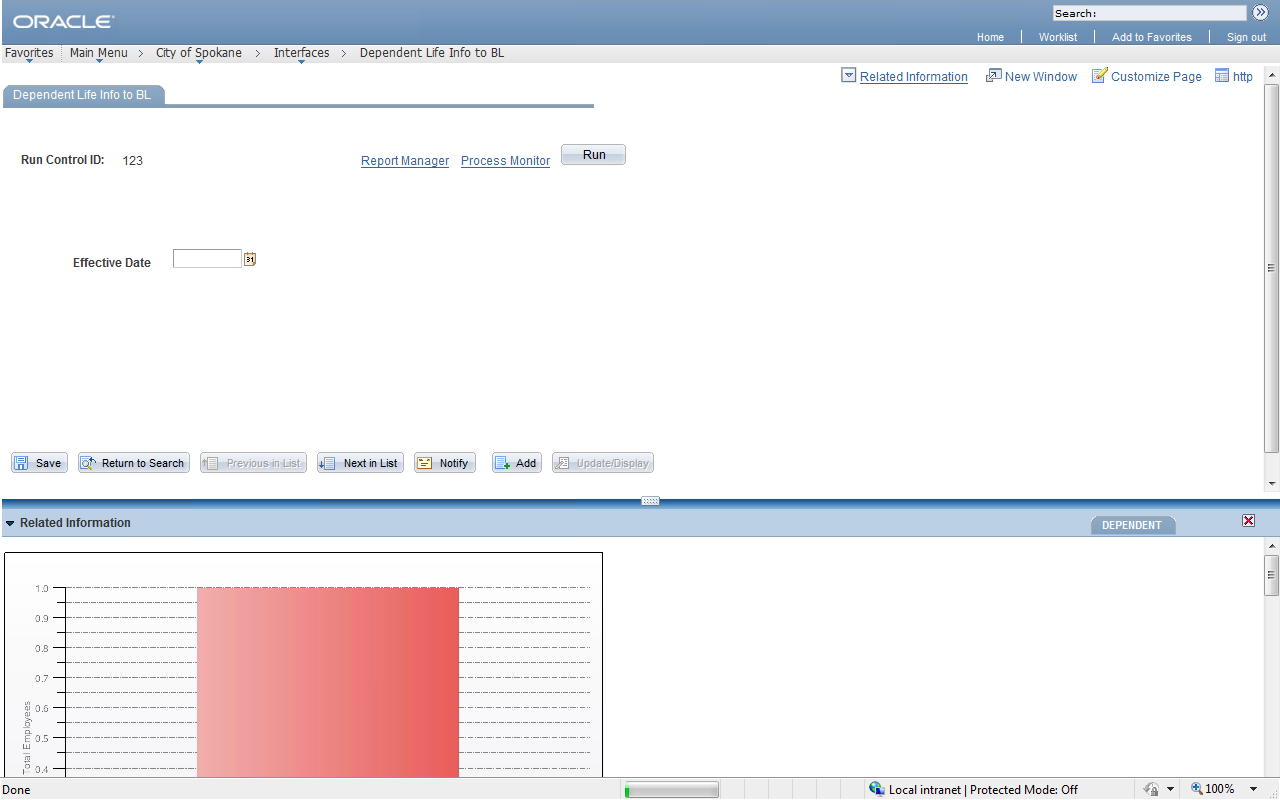
I've been using PS Utilities for a while and it is a great tool. But it doesn't support IE and Firefox.
So how can we quickly get the Record and Field information on a page, without opening the Application Designer. I gave this info to a couple of functional people and they were all high about this simple technique. It helps the tech guys too at times, if someone ask about the similar information in between a meeting.
In Chrome/Firefox/IE 11, this can be achieved by placing the mouse pointed on the field and right clicking to select the Inspect Element option. This will open the developer window which shows you the HTML information of the page and highlights the field element.
The information about the Record and the Field is right there.
Trace the input element and see the name attribute to get the information in RECORD_FIELDNAME pattern.


A handy tip.