
Follow the steps below to resolve the issue.
Launch the Configuration Manager:
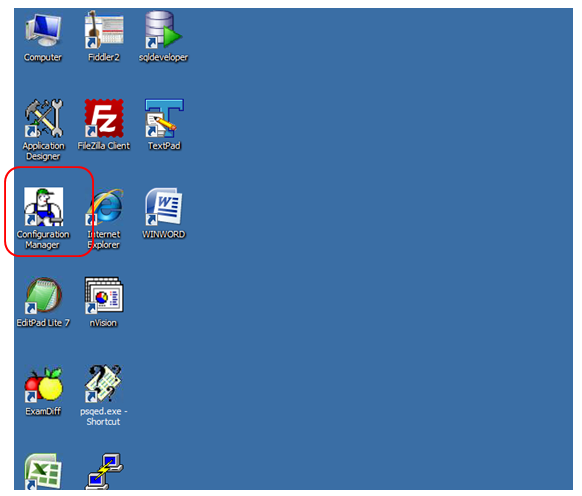
Go to the Client Setup tab:

Check the Application Designer, CM, Data Mover, Install Workstation check boxes and click on the apply button.

Now, restart the application designer and you will be able to change the label.
